
How to Register on GeM Portal in 2026: Step-by-Step Guide
Introduction
If you run a business and want to start selling to government departments, ministries or PSUs, the first thing you need is a GeM seller account. Government e-Marketplace (GeM) is the official platform through which most public procurement in India now happens, and without proper GeM registration, you simply cannot bid, list products or receive government orders. Many first-time sellers get stuck at the documentation stage or make small errors that delay approval. This guide walks you through what GeM is, who can register, what documents you need, and the exact steps to complete your GeM registration in 2026 — without confusion.
What Is GeM Portal?
GeM (Government e-Marketplace) is an online procurement platform where government buyers — departments, ministries and public sector undertakings — purchase goods and services from registered sellers. It was created to make government buying more transparent and paperless, replacing older manual tender processes.
On GeM, buyers post their requirements or run bids, and registered sellers respond by listing products, quoting prices, or participating in tenders. For a business, this opens direct access to one of the largest procurement markets in the country. There's no middleman involved — once your GeM seller account is active, you can list your catalogue and respond to relevant opportunities yourself.
For manufacturers, MSMEs, service providers and startups, GeM registration is often the starting point for building a presence in government business, since most departments are now required to route their purchases through the GeM portal.
Who Can Register on GeM as a Seller?
Eligibility is broad. Any legally constituted Indian entity with a valid PAN, a bank account in its own name and matching official records can apply as a GeM seller. Most legally recognised business structures in India are eligible for GeM registration for companies, GeM registration for proprietorship firms, and other entities, and this generally includes:
-
Proprietorship firms
-
Partnership firms and LLPs
-
Private Limited Companies
-
Public Limited Companies
-
Trusts and Societies
-
Other business entities that meet GeM's eligibility norms
Eligibility and the exact documents needed can vary slightly depending on your business type and the category of products or services you plan to sell. It's worth checking the current eligibility criteria on the official GeM portal before you begin, since requirements are occasionally updated.
Documents Required for GeM Registration
Before starting your GeM registration, it helps to keep the following GeM registration documents ready. Some of these are part of the basic sign-up, while others may be requested later depending on your business type.
Basic details needed at sign-up:
-
Aadhaar or PAN of the authorised signatory
-
An active mobile number (for OTP verification)
-
A working email ID
-
Business/organisation name and constitution type
Documents typically required as you complete the profile:
-
PAN of the business
-
GST registration details, where applicable
-
Bank account details for payment settlement
-
Business address and contact information
-
Product or service category details you intend to sell
Not every document applies to every seller — for instance, GST requirements can differ based on the nature of goods or services offered, and some categories have exemptions. These are the general GeM registration requirements, but it's best to check what applies to your specific business on the official portal, or consult a professional if you're unsure.
How to Register on GeM Portal in 2026
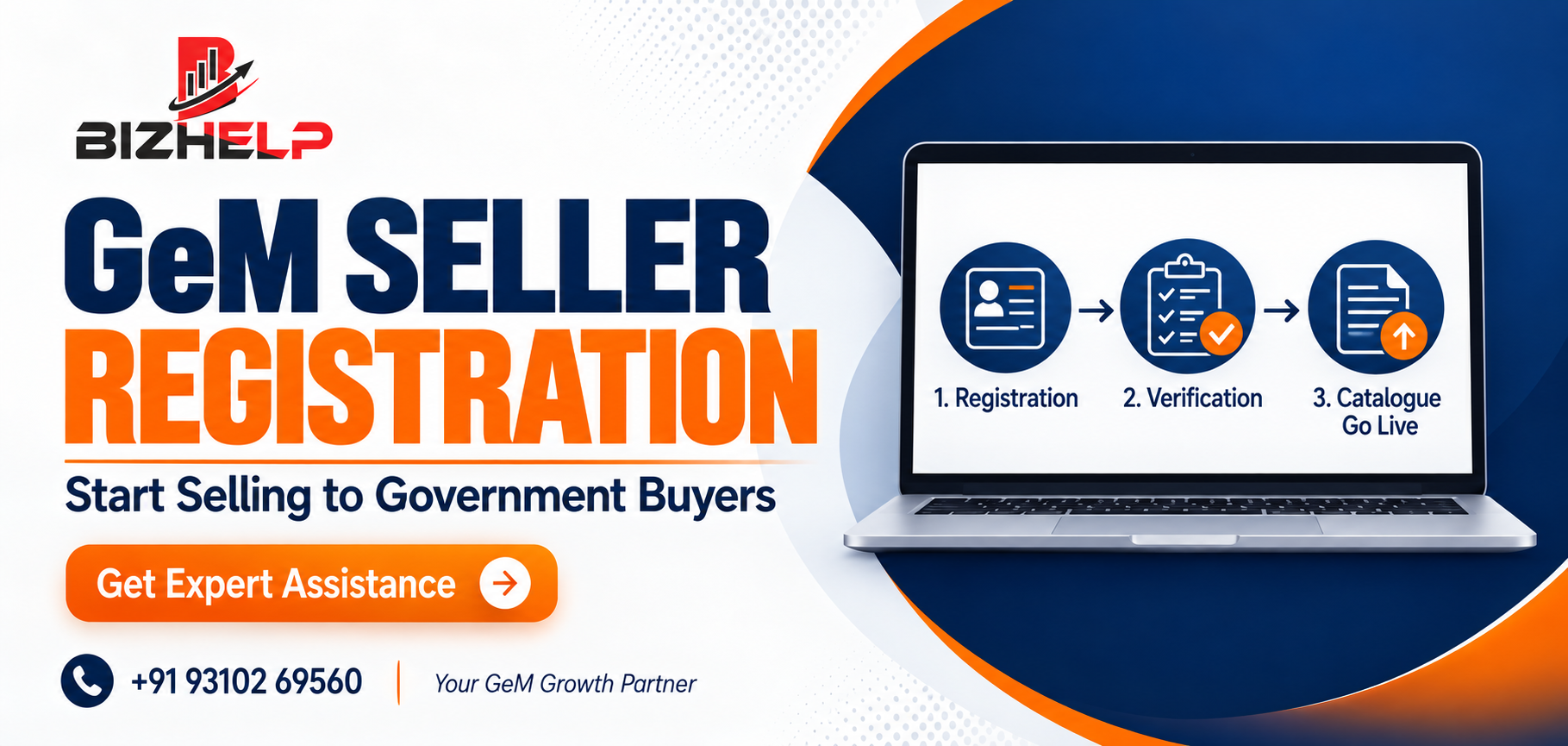
Here is the actual GeM registration process, broken down step by step.
1. Visit the GeM Seller Registration Page Start by going to the official GeM website. This is important — a number of unofficial or lookalike websites exist that claim to offer "GeM registration," so always confirm you're on the government's own platform before entering any personal or business details.
2. Select the Appropriate Registration Option On the homepage, you'll find an option to sign up. Choose the GeM service provider registration or seller option, as opposed to the buyer option, which is meant for government departments. This takes you to the seller sign-up flow.
3. Enter PAN/Aadhaar and Business Details You'll be asked to enter your PAN or Aadhaar details for identity verification, along with basic business information. Make sure everything you enter matches your official records exactly — mismatched names or numbers are one of the most common reasons registrations get stuck.
4. Create User ID and Password Once your identity is verified, you'll set up your login credentials. Choose a strong password and store it securely, since this GeM seller login will be used every time you access your dashboard, respond to bids or manage orders.
5. Complete the Seller Profile This is where you fill in the rest of your seller profile: organisation details, business address, contact person information, bank account details for receiving payments, and other business-related information. A complete and accurate profile also makes it easier for buyers to evaluate your business later.
6. Add Products or Services After your basic profile is set up, you can start your GeM product listing under the relevant categories for your products or services. Choosing accurate, relevant categories matters — listing under the wrong category can mean your catalogue doesn't show up for the buyers actually looking for what you offer.
7. Complete Verification and Account Setup Depending on your business type and the information you've submitted, GeM may require additional verification steps before your account is fully active. This can include document checks or other validations. Keep an eye on your registered email and mobile number for any communication from the portal during this stage.
8. Start Selling on GeM Once your account is verified and active, you can begin building your catalogue, listing products or services in detail, and responding to relevant buyer requirements. From here, you can also participate in eligible bids and tenders and manage incoming orders through your dashboard. Registration gets you into the marketplace — actual orders depend on your pricing, catalogue quality and how actively you participate in opportunities.
Is GeM Registration Free in 2026?
Official GeM registration itself does not involve a portal registration fee. Creating your GeM seller account on gem.gov.in is free. That said, sellers should check the portal for any applicable charges tied to specific activities, such as certain vendor assessments for particular categories, since these are set by GeM's own policies and can change from time to time.
It's important not to confuse this with the GeM registration fees charged by private consultants, including BizHelp, for helping you complete the registration correctly. If you choose to use a professional service, that fee is for consultancy and support — it is separate from, and not a substitute for, any official GeM charges.
Common Mistakes to Avoid During GeM Registration
A number of first-time sellers run into avoidable delays during GeM portal registration. Common mistakes include:
-
Entering incorrect PAN or Aadhaar details
-
Using business information that doesn't match official records
-
Providing incorrect or mismatched bank account details
-
Selecting the wrong business constitution type
-
Uploading unclear or incorrect documents
-
Choosing product/service categories that don't match the actual business
-
Ignoring verification prompts or emails from the portal
-
Using unofficial websites instead of the official GeM portal
-
Creating vague or inaccurate product catalogues after registration
Most of these are simple to avoid if you double-check your details before submitting each step.
What Happens After GeM Registration?
Once your GeM seller account is active, here's what typically comes next:
-
Complete your profile fully, including any pending sections
-
Add your products or services with accurate details
-
Build out your catalogue with clear descriptions and pricing
-
Regularly check for relevant buyer requirements or bid opportunities
-
Participate in bids or tenders you're eligible for
-
Manage orders, payments and buyer communication through your dashboard
-
Keep your business information updated as it changes
Staying active on the portal — updating your catalogue, responding to queries, tracking bids — tends to matter more than registration alone.
When Should You Take Help from a GeM Consultant?
GeM registration is designed to be done independently, and many businesses complete it on their own without issues. That said, professional help can be useful in certain situations, such as when:
-
The registration steps or document requirements feel confusing
-
You're unsure whether your business details need correction before submitting
-
This is your first time registering and you'd rather avoid errors
-
You're not sure which product or service category applies to your business
-
Setting up a clear, complete catalogue feels time-consuming
-
You want ongoing support for your GeM seller account after registration
If any of this sounds familiar, working with a consultancy can save time and reduce back-and-forth. BizHelp offers GeM registration services for businesses that want expert support through the GeM registration process, from GeM registration documents preparation to GeM product listing and catalogue setup, covering both GeM seller registration and ongoing GeM portal registration support.
FAQs
Q.1 What documents are required for GeM registration?
Ans:- You typically need PAN or Aadhaar of the authorised signatory, business PAN, GST details where applicable, bank account information, and business address details. Exact requirements may vary depending on your business type and category.
Q.2 Is there a fee for GeM registration?
Ans:- Registering a seller account on the official GeM portal is free. Some activities on the portal may carry separate charges depending on current GeM policy, so it's best to check the portal directly for the latest position.
Q.3 Why does PAN or Aadhaar verification sometimes fail?
Ans:- Verification usually fails when the details entered don't exactly match official records — for example, a name spelling mismatch. Double-checking your PAN and Aadhaar details before submission helps avoid this.
Q.4 Is GST mandatory for GeM registration?
Ans:- GST details are required for most sellers, though certain exempt categories may have different requirements. It's advisable to confirm what applies to your specific business on the official portal.
Q.5 Can a proprietorship firm register on GeM?
Ans:- Yes, proprietorship firms are among the business types eligible to register as sellers on GeM, along with partnerships, LLPs, and companies, subject to meeting the portal's eligibility requirements.
Q.6 Do MSMEs get any advantage during GeM registration?
Ans:- MSME or Udyam-registered businesses can often access certain benefits on the portal once registered, though this is separate from the registration process itself. It's best to check current MSME-related provisions on GeM directly.
Q.7 How long does GeM registration take to complete?
Ans:- The time varies depending on how quickly your documents and details are verified. Having accurate information ready in advance generally helps the process move faster.
Q.8 What are common errors during GeM registration?
Ans:- Frequent errors include mismatched PAN/Aadhaar details, incorrect bank information, choosing the wrong business type, and selecting irrelevant product or service categories.
Q.9 What should I do immediately after GeM registration?
Ans:- After registration, complete your seller profile fully, add accurate product or service listings, and start checking the portal for relevant buyer requirements or bid opportunities.
Q.10 Is it worth hiring a consultant for GeM registration?
Ans:- It depends on your comfort with the process. If you're registering for the first time or find the documentation confusing, professional assistance can help you avoid errors and save time.
Conclusion
GeM registration is straightforward once your documents match official records and your category is clear. The account is only a starting point — profile completion, catalogue accuracy and consistent bidding generate the orders.
If your registration is stuck at verification, or you are unsure which category applies, an experienced GeM registration consultant can save weeks. Our team provides GeM registration services and GeM consultancy for sellers and service providers across India.