BidHelp: Find Government Tenders in India in One Place
If you supply printers, run a painting business or take up electrical work, finding the right government tender can take longer than you expect. You check GeM for new bids, open CPPP to look for department notices and visit a state portal for local work. When you finally find a tender that looks promising, there’s still a bigger question. Can your business meet the buyer’s requirements before the closing date?
We launched BidHelp to make that first part of bidding easier. It brings government tenders in India from multiple portals into one search so you can find relevant opportunities and review the key conditions before spending time on an application.
Here’s how to use BidHelp, from your first search to preparing documents for a tender you want to pursue. Open BidHelp.
What is BidHelp?
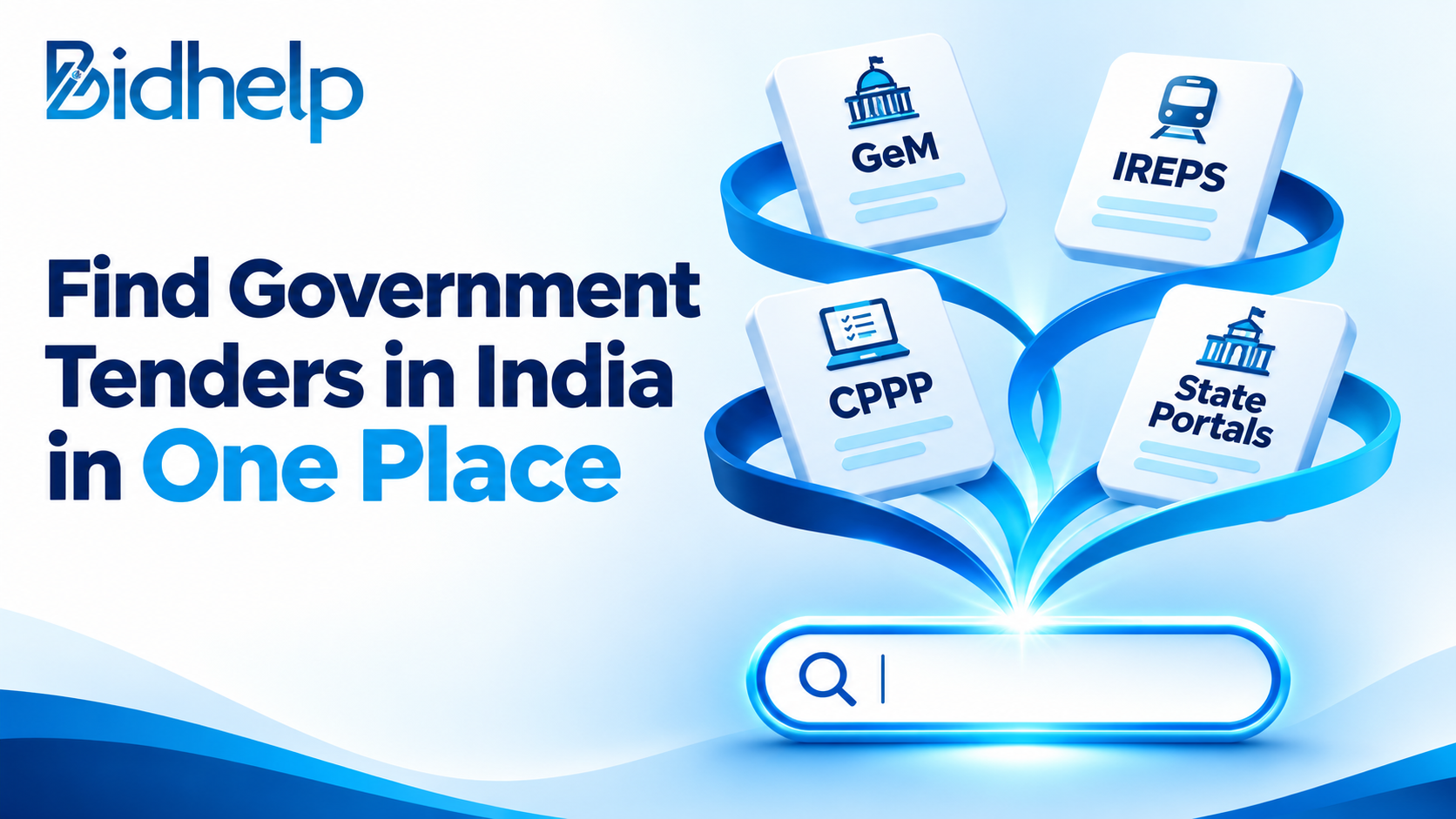
BidHelp is a government tender search portal for businesses looking for public procurement opportunities. It brings together listings from sources such as GeM, IREPS, CPPP and state e-procurement portals. You can narrow the results by factors such as location, buying organisation, category and closing date.
A railway supplier can start with IREPS tenders. A seller looking for government orders for goods or services can browse GeM tenders. If your business supplies to central departments or takes up public works, you can also browse CPPP eProcurement tenders.
How to use BidHelp to find and shortlist tenders
1. Search for what the buyer would call your product or service
Go to BidHelp and start with a product or service you already supply. If you run a printing shop, try flex printing, banner printing or non paper printing. Buyers can describe similar requirements in different ways, so try a few search terms before deciding what to track. Search government tenders on BidHelp.
2. Filter for contracts your business can handle
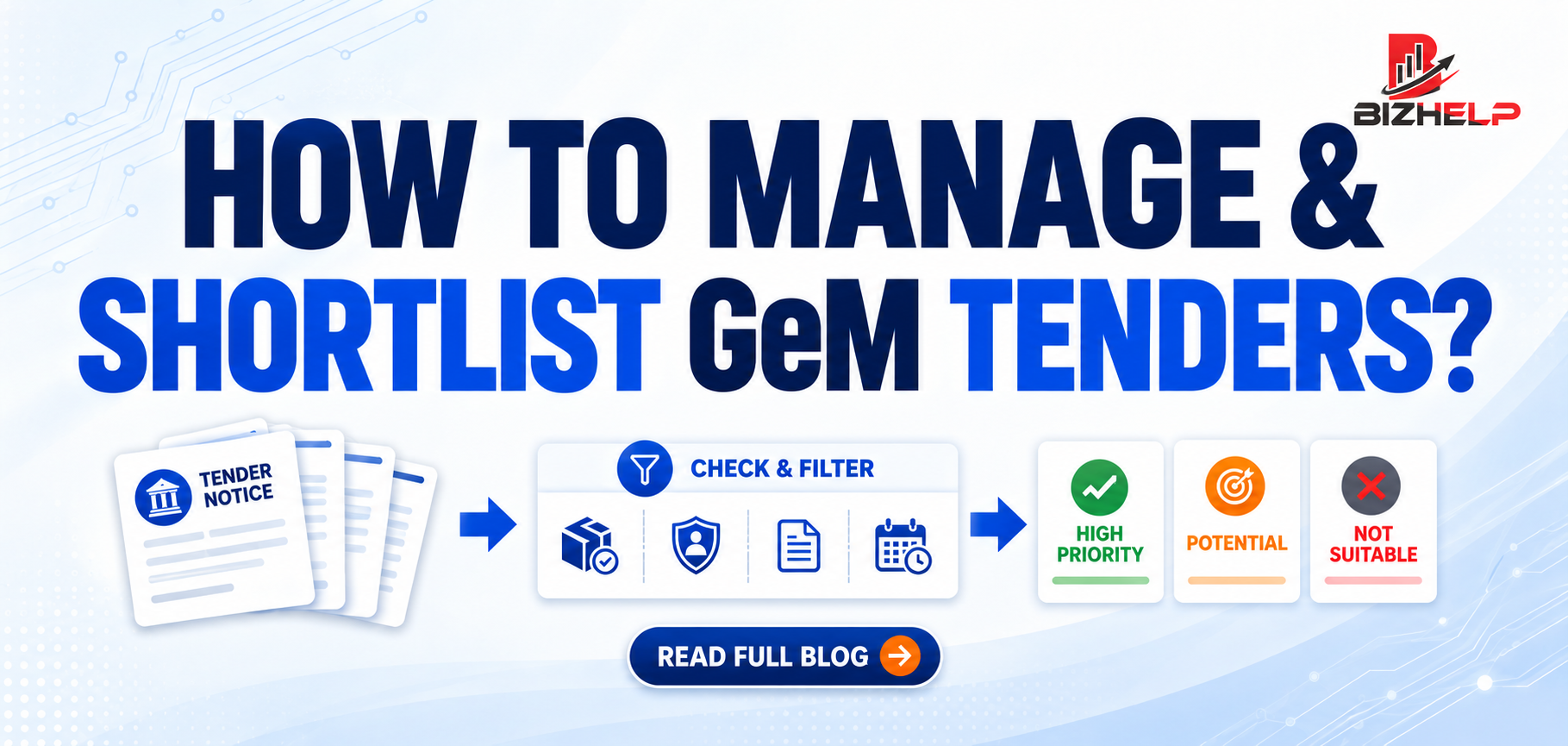
Start with the states or districts you can realistically serve. Then narrow the results by portal, category or buying organisation. Pay attention to the closing date. A tender due tomorrow may be worth opening if your documents are ready. If you still need an OEM letter, a site visit or fresh quotations from suppliers, look for a bid that gives you enough time to prepare.
3. Open the tender and check eligibility before working out the price
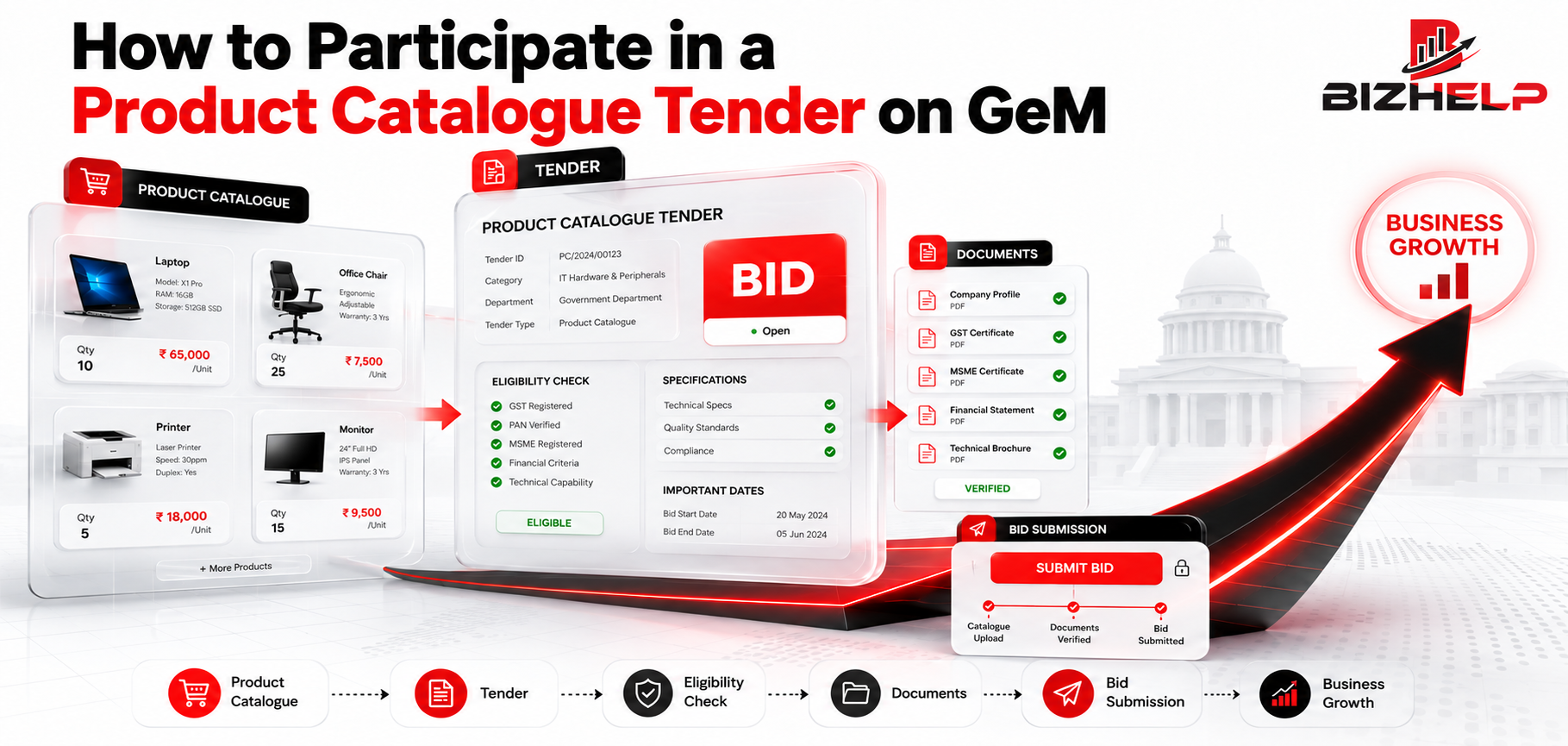
Review the tender summary for the scope, submission deadline, EMD amount, and available information on eligibility criteria and required documents. If the work looks suitable, open the official bid document and check the detailed terms, attachments and any corrigenda. The tender summary helps you shortlist. The official documents tell you what you’ll need to submit.
Here’s a practical example. Suppose you find a tender for printing and installing banners at multiple government offices. Your shop can handle the printing quantity, but can your team install the banners at every location within the time allowed? Does the buyer expect frames or mounting material to be included? Is similar work experience required? Checking those details in the scope of work can save you from quoting a printing rate for a job that also includes transport and installation.
4. Save the search and set up tender alerts
Once a search starts returning relevant results, save it. For example, you could save separate searches for electrical works in Haryana and IT hardware tenders on GeM. Set your preferred alert channel so you can review matching tenders by email or WhatsApp as they come in.
If you handle bids for several product lines, keep your searches specific. A milk supplier and a packaging supplier might both sell to government institutions, but they need different alerts. A useful saved search should return opportunities someone on your team can actually review and act on. Create a BidHelp account.
5. Prepare the bid documents and submit on the official portal
When you decide to pursue a tender, make a list of the documents the buyer asks for. Separate the records you already have, such as registration documents, from items you need to prepare or request, such as a signed declaration, an OEM authorization letter or evidence of past work.
BidHelp Doc Creator helps prepare common bid declaration formats using your company details and letterhead. You can use it for documents such as a non-blacklisting declaration or a warranty undertaking when a suitable template is available. If the buyer has supplied a prescribed annexure, use that annexure and get it signed by the party named in the bid. Submit the final bid through the official procurement portal listed in the tender. Explore BidHelp Doc Creator.
BidHelp Features That Make Government Tender Search Easier
BidHelp helps you find relevant tenders, check whether they fit your business and keep track of the bids you want to pursue.
|
Feature |
How it helps your business |
|
Multiple portals, one search |
Search GeM, IREPS, CPPP and state government tenders from one place. Filter by state, buyer or category to find opportunities your business can serve. |
|
Eligibility and document checklist |
See the qualifying criteria and required documents pulled from the bid pack. Use the checklist to shortlist tenders, then confirm the details in the official bid documents. |
|
Doc Creator (Premium) |
Prepare print-ready bid declarations on your company letterhead using your saved signature and stamp. Use the buyer’s prescribed format whenever the tender includes one. |
|
Daily email and WhatsApp alerts |
Save a search once and receive new matching tenders daily through your preferred alert channel. |
|
Tender tracking dashboard |
Follow shortlisted tenders, keep notes for each bid and view upcoming submission deadlines in one dashboard. |
|
Expert help from the tender page |
Request help from a Bizhelp bid expert when you need to understand an eligibility clause, check a document requirement or prepare your submission. |
Who should use BidHelp?
BidHelp is useful for MSMEs exploring government sales, GeM sellers looking beyond their usual portal, OEMs and resellers tracking product bids, and contractors looking for work in particular states. It can also help tender teams that need to shortlist opportunities for multiple clients or product categories.
If you’re new to government procurement, begin with one product or service you already deliver. Search for it, shortlist a few tenders and compare their eligibility requirements. If the same requirement appears repeatedly, such as work orders for similar supplies, you’ll know which records to organise before the next relevant bid comes up.
Frequently asked questions
1. What is BidHelp?
BidHelp is a tender search platform that brings government tenders from GeM, IREPS, CPPP and state portals into one place.
2. How do I find relevant tenders on BidHelp?
Search for your product or service, then filter by state, category, buying organisation or closing date.
3. Can I check eligibility and EMD before bidding?
Yes. Check the tender summary for available details, then confirm the requirements in the official bid document.
4. How do I get tender alerts on WhatsApp?
Create a BidHelp account, save your search and select WhatsApp as your preferred alert channel.
5. Can BidHelp help me prepare tender documents?
Yes. BidHelp Doc Creator helps you prepare common bid declarations. Use the buyer’s prescribed format
Ready to find your first tender? Search for one product or service you already supply, apply a location filter and open a tender that fits. If you want to keep track of similar opportunities, save the search for future alerts. Start your tender search on BidHelp.
Conclusion
The best place to start with government tenders in India is a product or service your business already delivers well. With BidHelp, you can search across GeM, IREPS, CPPP and state tender portals, narrow the results to locations you can serve, and check the deadline, eligibility and EMD before deciding whether to bid.
Start with one search today. Open a tender that fits your business and review the official bid document. Save the search to get alerts for similar opportunities. If you decide to participate, use BidHelp Doc Creator to prepare common declarations where the buyer allows your own format.
Find government tenders on BidHelp · Get expert bid support from Bizhelp
Related Blogs & Insights