How to Participate in a Product Catalogue Tender on GeM
Introduction
On GeM a buyer can pick a product directly from your catalogue, or publish a bid where sellers compete for a fixed requirement. A Product Catalogue Tender is the second type, and your catalogue decides whether you can bid at all.
Many sellers bid in a hurry, then find their catalogue did not match the buyer's specifications. This blog explains how to find the right tender, check eligibility, match your catalogue, prepare documents and submit the bid.
What Platform Says
GeM (Government e-Marketplace) is the government's online buying platform. Buyers purchase both by picking listed products and by publishing bids.
Sellers list products under a category with specifications and images. Buyers create their requirement using those same categories. The tender document then explains who can take part, which documents are needed, how offers are checked and what the delivery terms are.
One point matters most. Eligibility, documents, EMD and evaluation conditions come from that bid's own terms, so never assume the last tender's rules apply to the next one.
What Were the Reasons?
Checking a tender before bidding saves you from most problems later:
-
Right opportunity — not every tender is worth your time.
-
Product match — different specifications get your offer rejected.
-
Eligibility — some bids ask for experience, turnover or authorization.
-
Buyer needs — quantity, location and delivery period decide if you can supply.
-
Documents — missing or expired papers cause rejection.
-
Shortlisting — saves time when many tenders are open together.
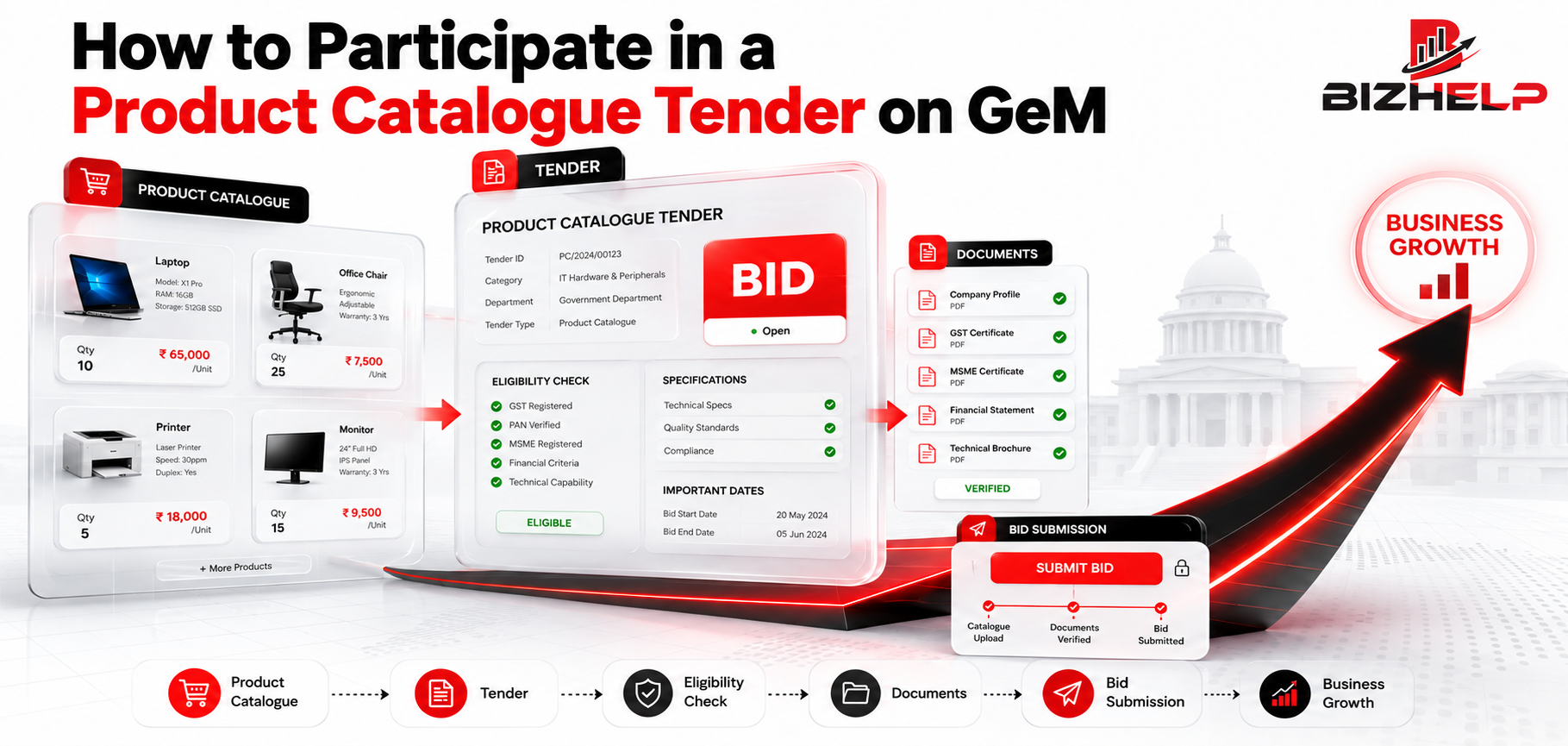
How do I participate in a Product Catalogue Tender? Find the tender on GeM, check the eligibility conditions, match your catalogue with the buyer's specifications, read the full bid document, keep the required documents ready, calculate your price and delivery cost, submit the bid before the last date, and then track the bid status.
1. What Is a Product Catalogue Tender on GeM?
A Product Catalogue Tender is a government requirement where the buyer asks for a product with fixed specifications, and sellers who have that product in their GeM catalogue compete by submitting a bid.
The buyer selects a category and mentions details such as size, material, capacity, brand or model, warranty and quantity. Your catalogue is compared against those details.
In a listing your product waits for a buyer. In a tender there is a fixed requirement, a last date and extra conditions. So specifications decide everything.
2. Who Can Participate in a Product Catalogue Tender?
Sellers registered on GeM who have the relevant product in their catalogue can usually take part — manufacturers, OEMs, authorized sellers, resellers, MSMEs and other eligible vendors.
But eligibility always depends on that tender's terms. Some bids are open to most sellers. Others allow only OEMs, or ask for authorization, past experience, turnover or a certification. So read the eligibility part first. If you are not on the portal yet, start with proper GeM registration.
3. What Should You Check Before Participating?
-
Product specifications — the main pass or fail check.
-
Product category — your product must sit in the right one.
-
Brand and model — some tenders name brands or equivalents.
-
Quantity — can you supply the full quantity?
-
Delivery location and period — distance and short deadlines change your cost.
-
Eligibility — experience, turnover or seller type, where applicable.
-
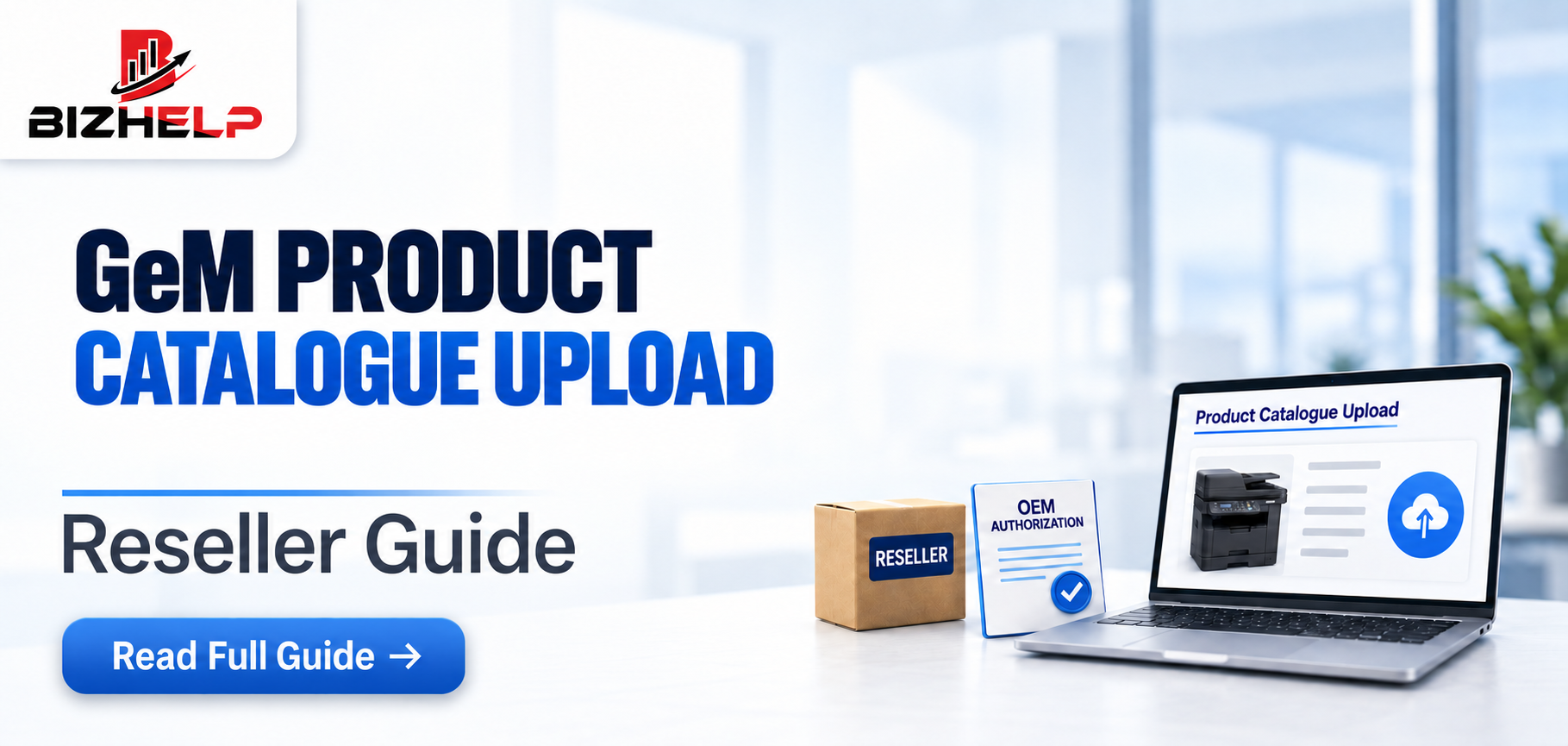
OEM authorization — needed if you are not the manufacturer.
-
Certifications and documents — updated, not expired.
-
EMD or security conditions — where the tender asks for them.
-
Bid validity and special terms — small conditions cause big problems.
Any one of these can become a reason for rejection.
4. How to Participate in a Product Catalogue Tender?
Step 1: Find the Right Tender
Search on GeM by product name, category, keywords, bid number, buyer or department and location. Start broad, then narrow down to what you can actually supply.
Step 2: Read the Complete Tender Details
Do not decide from the product name. Open the bid document and read the specifications, eligibility, quantity, delivery terms, document list and special conditions.
Step 3: Match Your Product Catalogue
Compare the tender with your catalogue line by line — specifications, brand, model, attributes, images, warranty, certifications. If something does not match, fix the catalogue first or skip the tender. Clean GeM catalog management makes this faster.
Step 4: Check Eligibility
Confirm that your business and product meet the conditions written in the bid. If OEM authorization is required and you are a reseller, arrange it before bidding.
Step 5: Prepare Required Documents
Documents change from tender to tender. Common ones are company details, GST and PAN, OEM authorization, experience and turnover proof, certificates and product documents. Keep copies ready in advance.
Step 6: Calculate and Check the Price
Add product cost, taxes, delivery and packing, and any other cost you bear. A low price alone does not guarantee selection — the offer must still meet every tender condition.
Step 7: Submit the Bid
Fill the details, attach your documents, enter your price and submit within the last date and time. Do not leave this for the final hour.
Step 8: Final Review
Check price, specifications, documents, quantity, delivery details, eligibility and terms and conditions once more.
Step 9: Track the Tender
Watch the bid status, buyer clarifications, technical and financial evaluation, and the result. Reply on time if the buyer asks for something.
5. Practical Example
Suppose a buyer needs 100 units of a product through a Product Catalogue Tender. This is only an example.
-
Seller finds the tender through a category search.
-
Reads the specifications and delivery details.
-
Compares the catalogue and finds the model matches.
-
Checks eligibility and sees OEM authorization is required.
-
Arranges the authorization letter and other documents.
-
Works out cost, tax and delivery, then fixes the price.
-
Submits the bid two days before the last date.
-
Tracks the status and replies to a clarification.
6. Why Is an Accurate Product Catalogue Important?
Your catalogue is your identity on GeM. Keep the category correct, specifications exact, brand and model right, attributes filled, images clear, and warranty and certification details updated. A wrong or incomplete catalogue can block you from bidding, or get a good product rejected during evaluation.
7. Product Catalogue Tender vs Normal Product Listing
|
Factor |
Product Catalogue Listing |
Product Catalogue Tender |
|
Buyer requirement |
General product requirement |
Specific tender requirement |
|
Competition |
Depends on purchase method |
Eligible sellers may compete |
|
Price |
Listed product price |
Bid/tender price |
|
Specifications |
Important |
Very important |
|
Documents |
Depends on purchase method |
Tender-specific |
|
Evaluation |
Depends on purchase method |
Based on tender conditions |
8. Common Mistakes While Participating in Product Catalogue Tenders
-
Not reading the full tender — read the bid document start to end.
-
Ignoring specifications — compare them with your product first.
-
Skipping eligibility — read that section before spending time.
-
Expired documents — keep a ready folder and check dates.
-
Wrong catalogue product — select the exact matching item.
-
Wrong price — include tax and delivery in your calculation.
-
Ignoring delivery terms — check location and timeline before committing.
-
Last-minute work — prepare a day or two in advance.
-
Assuming all tenders are same — every bid has its own terms.
-
No final review — check every field before submitting.
9. Product Catalogue Tender Checklist
☐ GeM seller account is active
☐ Product catalogue is updated
☐ Correct category selected
☐ Product specifications match
☐ Eligibility checked
☐ Required documents ready
☐ OEM authorization checked, if required
☐ Certifications checked
☐ Quantity checked
☐ Delivery location checked
☐ Delivery timeline checked
☐ Price calculated correctly
☐ Tender terms reviewed
☐ Bid submitted successfully ☐ Bid status tracked
10. Benefits of Participating in Product Catalogue Tenders
-
A chance to supply directly to government buyers.
-
Access to regular procurement opportunities.
-
Room to grow beyond your private market.
-
Better use of the catalogue you already built.
-
Exposure to institutional demand in your category.
Winning is never guaranteed, but a properly prepared bid makes the next one faster.
11. How to Manage Multiple Product Catalogue Tenders
When many tenders are open together, follow one flow:
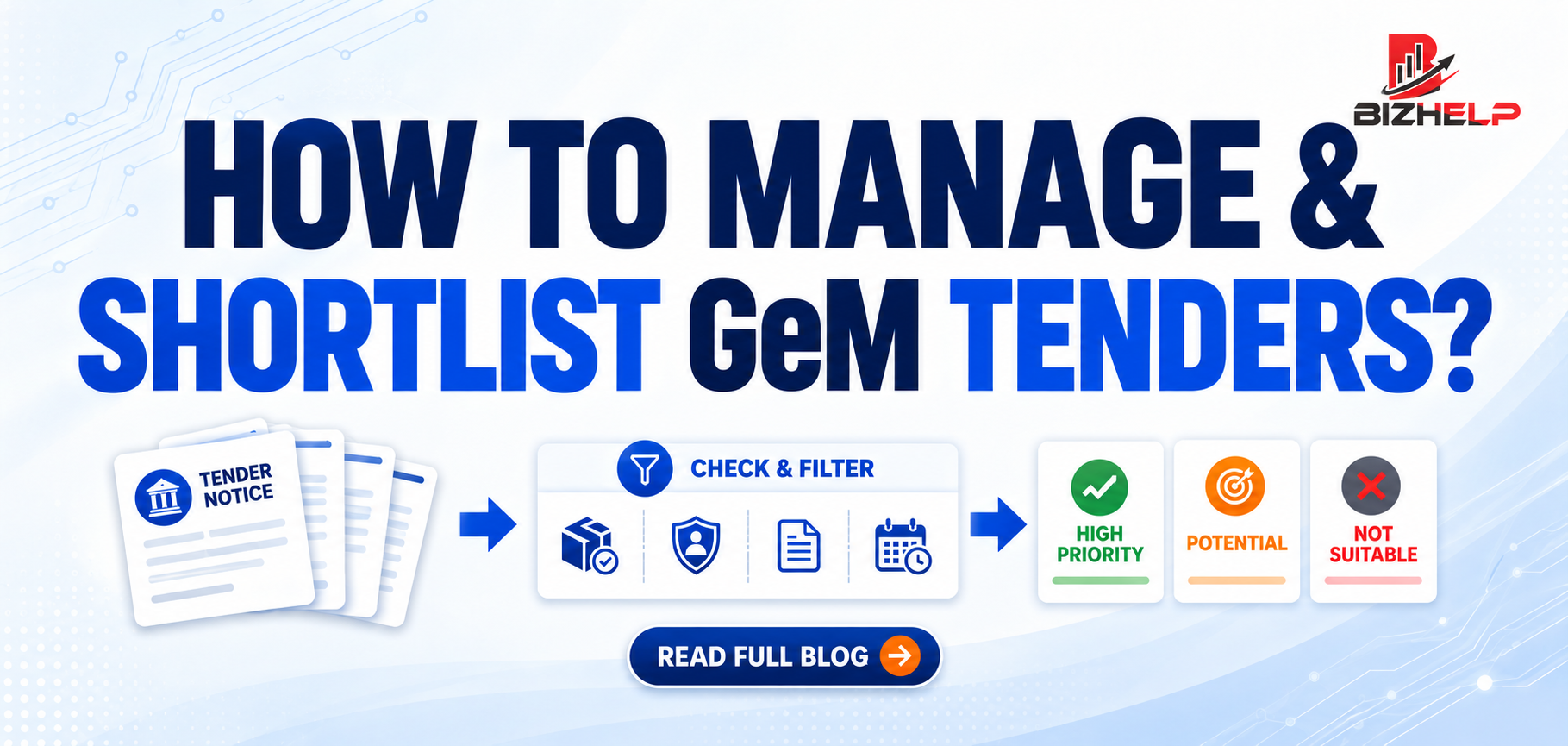
Search → Filter → Check Eligibility → Match Product → Check Documents → Check Dates → Evaluate → Shortlist → Prepare Bid → Submit → Track.
Keep a small tracking sheet:
|
Tender |
Product |
Deadline |
Eligibility |
Documents |
Price |
Status |
This sheet keeps deadlines visible and stops you mixing up one tender's conditions with another's.
12. How BizHelp Can Help
Most sellers lose bids on small details, not on price. BizHelp works with GeM sellers on those details — reading tender requirements, checking eligibility, keeping catalogue information correct and handling bid work.
For support with GeM tender participation, catalogue work or registration, our team can guide you. We help you prepare correctly; the result depends on the buyer's evaluation and the tender conditions.
FAQs
Q1. What is a Product Catalogue Tender?
A1. It is a government requirement on GeM where the buyer asks for a product with fixed specifications, and eligible sellers having that product in their catalogue bid for it.
Q2. Who can participate in Product Catalogue Tenders?
A2. Registered GeM sellers such as manufacturers, OEMs, authorized sellers, resellers and MSMEs can participate if they meet the eligibility conditions of that particular tender.
Q3. How do I find Product Catalogue Tenders?
A3. Search on GeM using product name, category, keywords, bid number, buyer or location filters, then shortlist only the tenders matching your product.
Q4. Is a GeM catalogue needed for bidding?
A4. Yes. In product bids your catalogue is what the buyer's requirement is matched against, so keep category, specifications and product details correct and updated.
Q5. What documents are required for bidding?
A5. It depends on the tender. Common ones are company details, GST and PAN, OEM authorization, experience and turnover proof, certificates and product documents.
Q6. Can resellers participate in catalogue tenders?
A6. Yes, if the tender allows it. Some bids ask for OEM authorization or restrict participation, so read the eligibility conditions carefully before bidding.
Q7. Is OEM authorization required for every tender?
A7. No. It is needed only where the tender says so. If you are not the manufacturer, check this condition and arrange it before submitting.
Q8. How do I submit a GeM tender bid?
A8. Open the bid, fill the required details, attach documents, enter your price after adding tax and delivery, review once and submit before the deadline.
Q9. What should I check before bidding?
A9. Check specifications, category, quantity, delivery location and period, eligibility, documents, EMD conditions where applicable, bid validity and special terms in the tender.
Q10. Can MSMEs participate in Product Catalogue Tenders?
A10. Yes. MSMEs registered as sellers on GeM can participate if they meet the tender conditions and have a matching catalogue. Benefits depend on the tender.
Conclusion
A Product Catalogue Tender is a buyer's specific requirement placed against a product category. Check whether you are eligible, whether your catalogue matches the specifications, and whether you can meet the quantity and delivery terms.
Keep documents ready, price honestly, and review everything once before submitting. Do this every time and tender work becomes routine instead of stressful.
Need help with tender participation or catalogue work? Talk to the BizHelp team at bizhelp.co.in.
Related Blogs & Insights