How to Search GeM Tenders? Step-by-Step Guide for Sellers

Introduction
Most sellers on GeM don't lose business because they are bad at pricing. They lose it because they never saw the right bid in time.
Every working day, government buyers publish hundreds of bids on the Government e-Marketplace. Some match your product exactly; some you can never qualify for. What separates a winning seller from one who complains about competition is simple — running a proper GeM tender search, and knowing which bids to skip.
What the GeM Portal Says
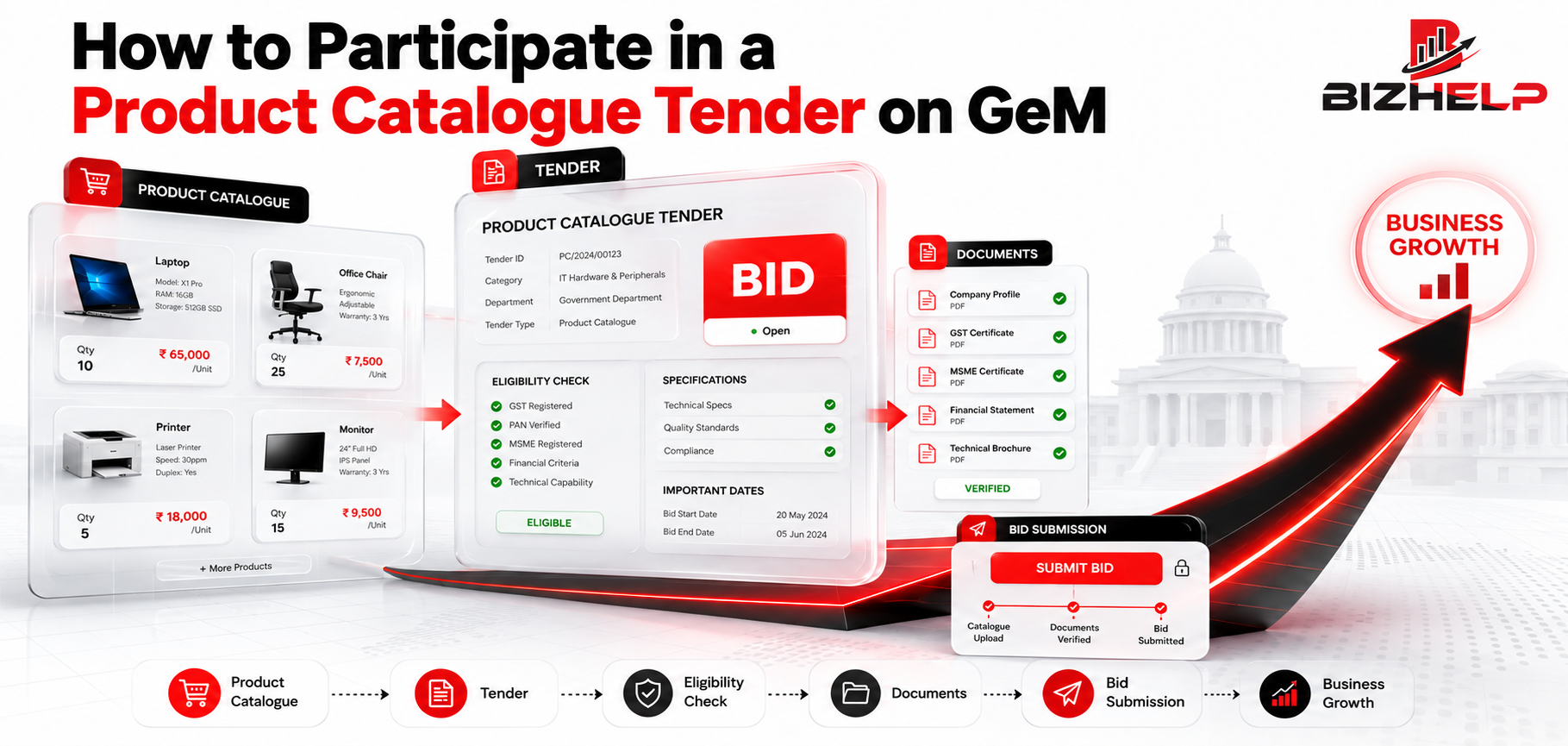
On the GeM portal, a "tender" is normally called a bid. When a buyer needs something that cannot be bought directly from the catalogue — large quantity, specific specifications, or higher value — a bid is floated on the portal.
The bid document tells you what is being bought, how much, where it must be delivered, by when, and what conditions the seller must meet.
Registered sellers with their products listed can submit an offer, and in many bids a reverse auction (RA) follows, where sellers can improve their price. GeM also keeps a public bid listing, so you don't need to log in to view live bids — but submitting an offer needs a registered seller account with the product listed in the right category.
What Were the Reasons?
- Categories are standardised. Buyers pick from GeM's category list, not your commercial product name — which is why keyword-only searching often returns nothing.
- Bids cover what direct purchase cannot. Big quantities and custom specifications need a competitive process with conditions published in writing.
- Eligibility clauses protect the buyer. Experience, turnover, OEM status and MSE or Class-I restrictions filter out unsuitable sellers early.
- The ATC exists because every purchase differs. Testing, samples, certification, warranty and penalty terms vary by buyer, so they sit outside the standard format.
Process: GeM Tender Search Step by Step
- Open the GeM portal. Start at gem.gov.in. Public bid listings are visible without login; logging in shows bids linked to your categories.
- Go to the bid search section. Look for the Bids area, usually listed as "Bid / Reverse Auction" or "All Bids". Logged-in sellers get the same section in the dashboard.
- Search by product or service keyword. Type what you supply: "office chair", "housekeeping services", "LED street light".
- Try word variations and the GeM category name. "Sanitary napkin", "sanitary pad" and "hygiene product" return different results — and the match with your catalogue category is what counts.
- Apply filters. Filter by category, then state, then sort by closing date. Only live bids can be acted on.
- Check bid details. Bid number and status, end and opening date, quantity, consignee locations, delivery period, and any EMD or ePBG.
- Check eligibility. Past experience, turnover, OEM or reseller status, bidder qualification clauses, and any restriction to MSEs, startups or Class-I suppliers under Make in India.
- Review the documents. Download the bid document and read the ATC with the technical specification sheet. The bid page gives the summary; the ATC gives the real conditions.
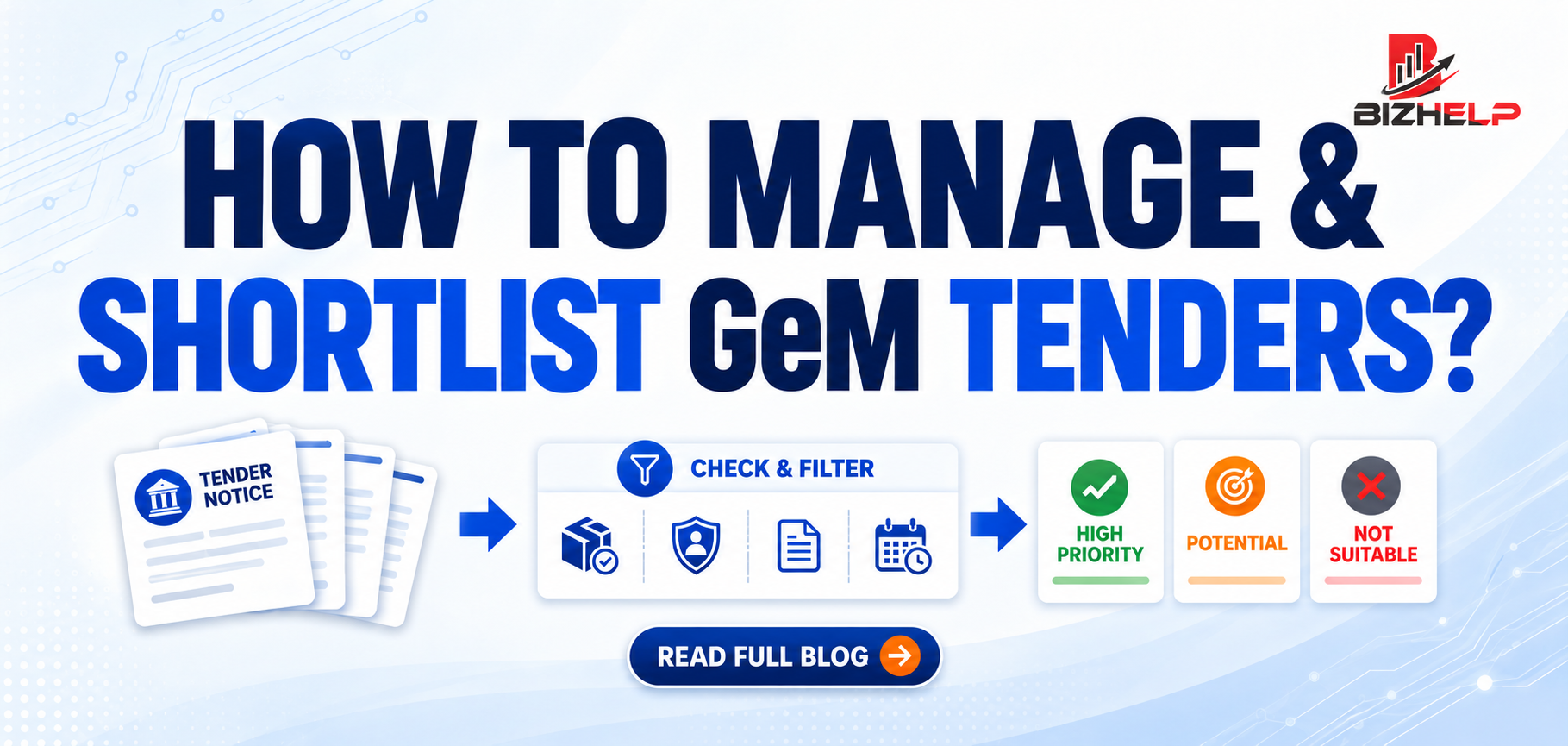
- Shortlist. Test each bid: can I supply it, can I meet the conditions, and can I still earn at this price?
Filters that save time
| Filter | Why it matters |
|---|---|
| Category / product | Removes bids you can never quote for |
| State / location | Delivery cost and feasibility |
| Bid end date | Preparation time available |
| Quantity / value | Removes bids too small or too big |
Competition: Finding the Right Tender
Competition on GeM is open, and popular categories attract many sellers. You cannot control that — only which bids you enter.
- Relevance beats volume. Six well-matched tenders a month beat thirty random ones.
- Match the category, not the product name. You can bid only where your listing sits, so accurate GeM catalog management directly widens your search results.
- Stay in your delivery range. Nearby consignee locations protect your margin.
- Watch repeat buyers. Departments that bought your category last year usually buy again.
- Check daily. Bid windows are short; a weekly check means you see bids too late.
- Don't chase L1 blindly. Price counts only after your documents are accepted.
Procedure Before You Participate
Searching and participating are two different things. Before submitting, confirm that:
- Your seller profile and documents are updated.
- Your product is listed in the exact category of the bid.
- Caution money requirements, where applicable, are met.
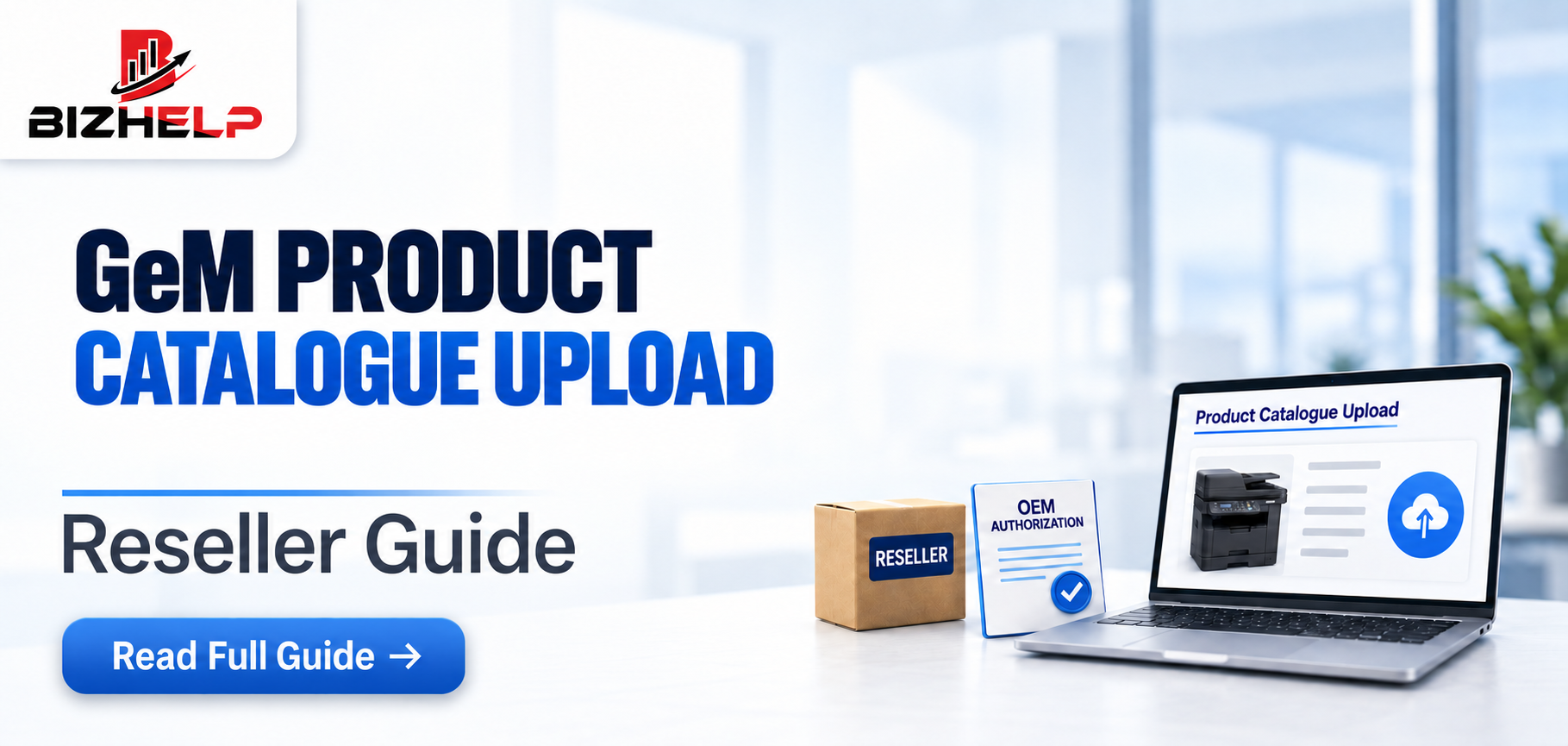
- Your brand authorisation is valid and unexpired — resellers need this from the manufacturer, arranged through OEM authorization support.
- Your documents match what the ATC asks for.
- Your price covers GST, freight, installation and penalty risk.
Higher-value bids often expect an assessed vendor, handled through GeM vendor assessment.
Common User Mistakes
| Mistake | Why it hurts | How to avoid it |
|---|---|---|
| Using one keyword only | You assume no bids exist in your category | Try variations and the GeM category name |
| Ignoring filters | Hours lost on unrelated results | Filter by category, state, closing date |
| Reading only the summary | Real conditions sit in the ATC | Download the full bid document |
| Skipping eligibility checks | Rejection at technical evaluation | Check turnover, MSE and Class-I clauses first |
| Finding the bid too late | No time to arrange documents | Check the bid list daily |
| Quoting below cost to stay L1 | Margin gone even if you win | Apply the supply–qualify–earn test |
Helpful Sections
Check in every bid document: bid number and status · end and opening date · quantity · consignee locations · delivery period · EMD and ePBG · ATC and specifications.
Quick tips
- Filter first, read later. A short workable list beats hundreds of results.
- Keep a saved list of the categories and departments you serve.
- If the closing date is two days away and your documents aren't ready, move on — one missing document disqualifies a technically strong offer.
How BizHelp Can Help
A good tender consultant does three things a busy owner rarely has time for: filters the daily bid list down to what is relevant, checks eligibility before you invest effort, and prepares documents exactly as the ATC demands.
That is what BizHelp does — we track live bids in your categories, flag the ones you can realistically win, prepare your documents, and support you through submission and reverse auction. If you would rather run your business than scan the portal all day, our GeM tender participation service is built for that.
Frequently Asked Questions
Q1. Can I search GeM tenders without logging in?
A1. Yes. GeM keeps a public bid listing anyone can view. Submitting an offer, though, needs a registered seller account with your product listed in the correct category.
Q2. Why do no bids show up in my category?
A2. Usually the keyword does not match GeM's category naming, or your catalogue sits under the wrong category. Try variations and search by category name.
Q3. How often should I check for new GeM bids?
A3. Daily. Bid windows are short, and a delayed check costs you the preparation time needed to arrange documents properly.
Q4. Is vendor assessment compulsory for every bid?
A4. No, but many categories and higher-value bids expect it. Assessed vendor status also improves buyer confidence in your offer.
Q5. What is the ATC and why does it matter?
A5. ATC means Additional Terms and Conditions — where the buyer adds requirements beyond the standard bid format. Most disqualifications trace back to an unread ATC.
Q6. Can a reseller participate in GeM tenders?
A6. Generally yes, provided you hold valid authorisation from the OEM for that brand and category, and your product is listed correctly.
Q7. Does being L1 guarantee the order?
A7. No. The lowest price is considered only after your technical documents are accepted. Incomplete documentation disqualifies you before price matters.
Q8. What is the biggest reason sellers lose GeM bids?
A8. Incomplete or non-compliant documentation — not price. Most rejections happen at technical evaluation, before the reverse auction stage begins.
Conclusion
A disciplined GeM tender search is a daily habit, not a one-time activity. Filter properly, read the full bid document, check eligibility honestly, and shortlist only what you can deliver.
The most important takeaway: relevance beats volume. Six well-matched bids do more than thirty random ones.
Next step: filter today's live bids by category, state and closing date, and shortlist the two you can genuinely win. If you would rather have that handled by people who do it daily, talk to the BizHelp team.
Related Blogs & Insights