Direct Purchase on GeM: Process, Limit and Rules Every Seller Should Know
Introduction
Most new sellers on GeM wait for bids, then wonder why nothing moves. What they miss is that a government buyer may already be looking at their catalogue — and can order the same day, with no bid and no technical evaluation.
That route is direct purchase on GeM. It works only within a fixed order value, and only if your listing is complete, correctly categorised and sensibly priced. Sellers who understand it earn small orders long before their first tender.
What the GeM Rules Say
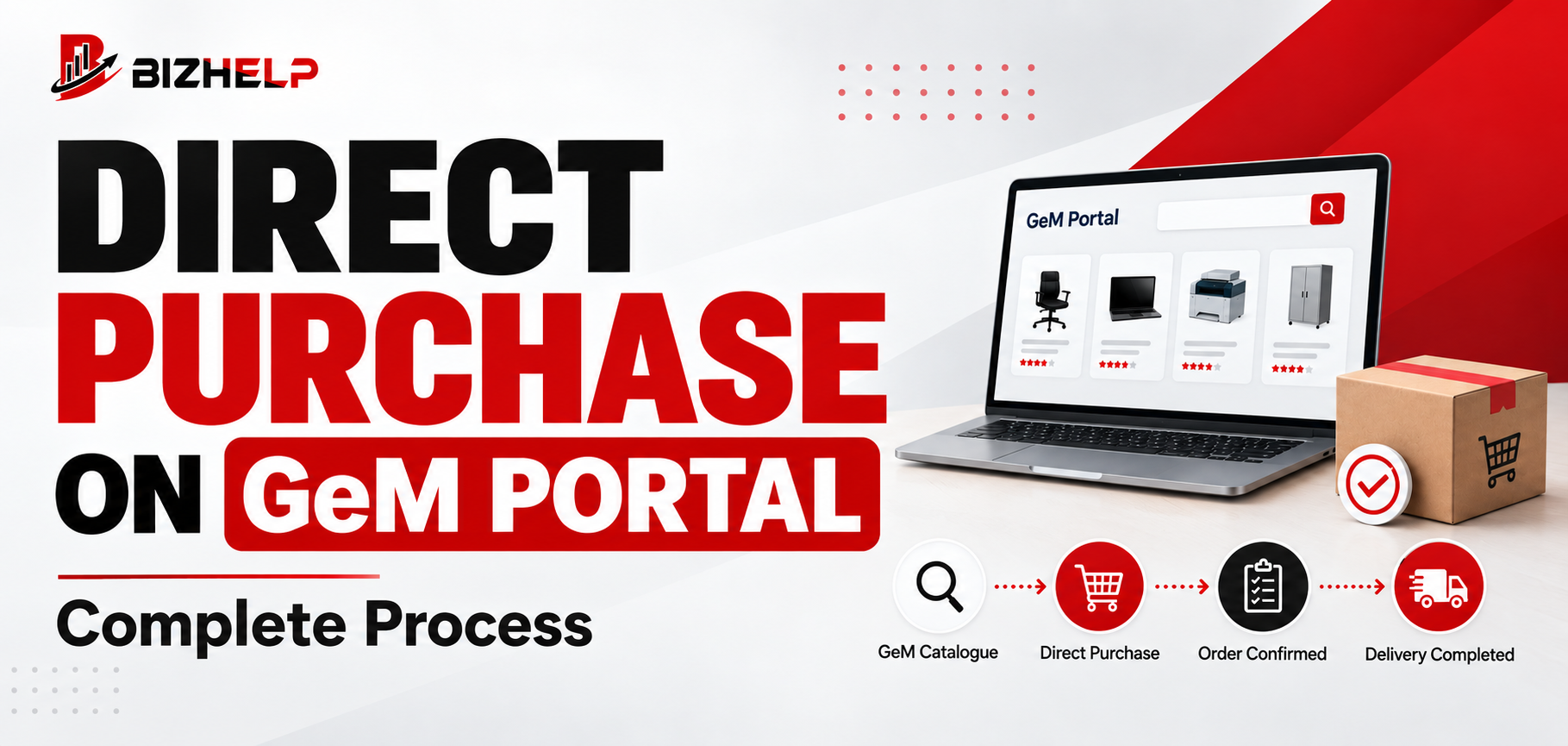
Direct purchase is where a government department orders straight from a seller's listing — no tender, no reverse auction.
Under Rule 149(i) of GFR 2017, direct online purchase on GeM is allowed up to ₹50,000 from any seller meeting the required quality, specification and delivery period. The limits were amended by the Ministry of Finance, Department of Expenditure through OM No. F.1/3/2024-PPD dated 10 July 2024.
| Order value | Applicable route |
|---|---|
| Up to ₹50,000 | Direct purchase from any seller meeting the requisite quality, specification and delivery period |
| ₹50,000 to ₹10,00,000 | L1 buying — lowest price after comparing three manufacturers |
| Above ₹10,00,000 | Bid or reverse auction is mandatory |
Four points sellers get wrong:
- Much content online still quotes the old ₹25,000 and ₹5,00,000 figures, which applied before July 2024.
- Automobiles are a notified exception, with a much higher ceiling.
- Buyers may still float a bid below ₹10 lakh, and their own delegation of financial powers may be tighter than the GeM ceiling.
Rule 149 also blocks the workaround: a demand cannot be split to stay under a threshold.
What Were the Reasons?
- Small routine buying should not need a tender. A bid for a ₹40,000 requirement costs more time than it saves; comparison replaces competition only as value rises.
- The buyer still justifies the rate. With no competition round, the buyer certifies rate reasonableness using GeM's Business Analytics tools, including Last Purchase Price.
- Anti-splitting stops threshold games. Otherwise a ₹4 lakh demand would become eight orders of ₹50,000.
Process: How Direct Purchase Works
- The buyer searches the category and filters listings by specification, brand, delivery period and price.
- The buyer carts the quantity needed. During the carting window, your carted rate is protected against an upward price revision for a limited period.
- The buyer takes internal approval as per their delegation of financial powers.
- The purchase order — your contract — is generated and appears in your dashboard.
- You accept it within the contract timeline and supply inside the delivery period.
- The buyer inspects and issues CRAC (Consignee Receipt and Acceptance Certificate), or rejects the supply. Payment then follows the contract terms.
Competition: Why Some Catalogues Get Orders
Competition here is silent. There is no bid to win and nobody to outbid — the buyer picks from whatever appears in the filtered result. Your competition is every seller who filled their listing better.
- Write titles the way a buyer would type the requirement.
- Review pricing against comparable listings, and widen your catalogue within categories you stock.
- Avoid cancellations; performance history compounds.
Example: a district office needs 30 office chairs worth about ₹42,000. The buyer filters on specification, checks the rate against last purchase price and orders. The winning seller did nothing that day — the product was listed correctly months earlier. At ₹4 lakh the buyer moves to L1, at ₹15 lakh to a bid.
Procedure for Sellers
Before an order can reach you
- Complete the seller profile with bank and tax details — start with proper GeM registration if the account is half-built.
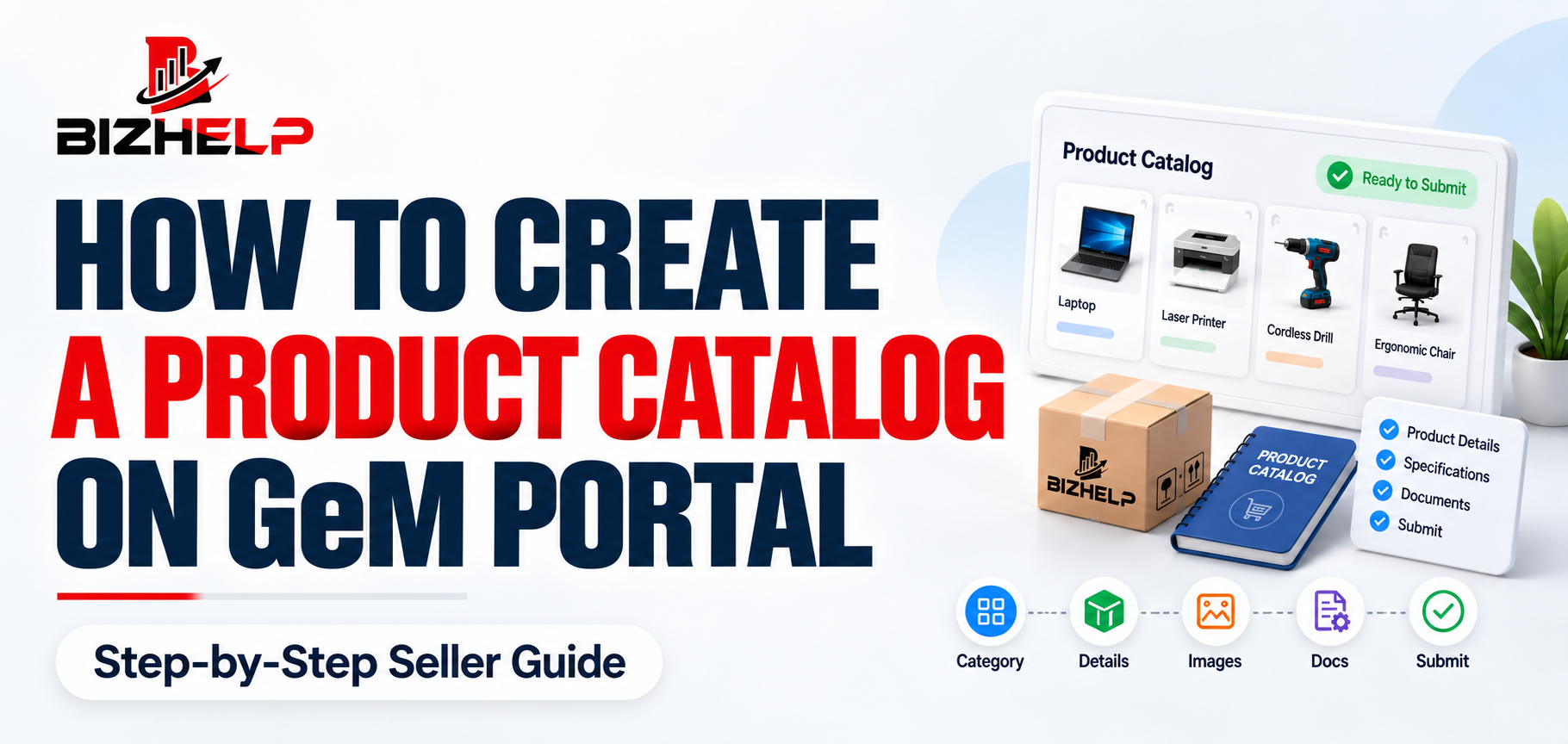
- List products in the correct category. A product in the wrong category is invisible to the buyer who needs it — which is why careful GeM catalog management matters.
- Fill every specification field; blank values push you out of filtered results.
- Price realistically — there is no negotiation, so your listed price is your offer.
- Keep brand papers valid; resellers depend on live OEM authorisation.
- Clear GeM vendor assessment where your category needs it — it is mandatory for several categories and for OEM status.
- List only what you can deliver in the period stated. Your listed specification is a commitment: supplying a different model or brand is a breach of contract. The ₹50,000 ceiling applies to order value, not turnover.
After the order arrives
- Check the dashboard daily and read each contract fully — quantity, specification, delivery period, consignee address, payment terms.
- Confirm you can meet the specification exactly. On a mismatch, act immediately instead of supplying something close.
- Dispatch within the delivery period and update dispatch and invoice details on the portal.
- Deliver to the consignee, follow up for inspection and CRAC, then invoice.
- Handle any rejection through the portal, never offline.
Common Seller Mistakes
| Mistake | Why it hurts | How to avoid it |
|---|---|---|
| Wrong category | Buyer never sees your listing | Pick the precise category |
| Blank specifications | Listing fails buyer filters | Fill every category parameter |
| Pricing too high or low | Skipped, or unprofitable | Check comparable listings first |
| Listing what you can't supply | Cancellations hit your rating | List only deliverable stock |
| Misleading descriptions | Rejection at acceptance | Describe the actual variant |
| Expired authorisations | Listing gets pulled down | Track validity of papers |
Helpful Sections
Direct purchase vs L1 vs bid vs reverse auction
| Method | Competition | For you |
|---|---|---|
| Direct purchase | None | Passive — catalogue quality decides |
| L1 buying | Three manufacturers compared | Passive, but price-competitive |
| Bid | Full | Active — find and participate |
| Reverse auction | Live downward bidding | Active — needs sharp costing |
Direct purchase and L1 come to you; bids and reverse auctions, you go to them.
What your account should already carry
No fresh papers go with each order. Your account should hold: business constitution details, PAN and GST where applicable, Udyam registration for MSE benefits, bank details, specifications per the category template, brand documents (OEM declaration or reseller authorisation), certifications such as BIS or ISI where mandated, and Make in India declarations.
How BizHelp Can Help
Direct purchase orders are won months before they arrive, in the quality of the listing. Our team handles category mapping, specification entry, pricing review, brand authorisation and assessment status so your products appear when a buyer filters. If you lack the bandwidth to review listings regularly, structured GeM account management costs less than a dormant catalogue.
Frequently Asked Questions
Q1. What is direct purchase on GeM?
A1. A route where a government buyer orders straight from a seller's GeM listing without any bid or reverse auction. The buyer generates a contract and the seller supplies as specified.
Q2. What is the direct purchase limit on GeM?
A2. Under Rule 149(i) of GFR 2017, amended in July 2024, direct purchase is allowed up to ₹50,000. Above that, L1 buying applies up to ₹10,00,000. Automobiles are an exception.
Q3. Can sellers apply for direct purchase orders?
A3. No. The route is passive. The order depends on your listing sitting in the correct category, complete on specifications and competitively priced.
Q4. Who can use direct purchase on GeM?
A4. Registered government buyers — ministries, departments, PSUs, autonomous and local bodies — subject to their own delegation of financial powers.
Q5. How is direct purchase different from L1 buying?
A5. Direct purchase applies up to ₹50,000 with no mandatory price comparison. L1 buying applies above ₹50,000 and needs three manufacturers compared first.
Q6. What happens after receiving a direct purchase order?
A6. Read the contract, confirm specification and delivery period, dispatch on time, update the portal, deliver to the consignee, obtain CRAC, then invoice.
Q7. What documents are needed for direct purchase?
A7. None per order. Your account must already carry valid business, tax and bank details, accurate specifications, and any certification or brand authorisation the listing needs.
Q8. Can direct purchase orders be cancelled?
A8. Yes, by either side under GeM terms and contract conditions. Seller cancellations, especially repeated ones, damage performance history and buyer confidence.
Conclusion
Direct purchase is the easiest door into GeM, but a quiet one. Within the ₹50,000 ceiling, the buyer simply picks the listing that fits — right category, complete specifications, honest delivery period, sensible price. Get those four right and small orders start arriving on their own; get them wrong and your catalogue stays invisible, however good the product is.
Next step: check that every product sits in the most precise category with all specification fields filled. That single review decides whether buyers ever see you.
Related Blogs & Insights